Export WaveMaker Application
When you create a WaveMaker application, you can export the application to your local machine for local development and testing purposes. You can export the project in a ZIP file and a WAR file.
Export project as ZIP file
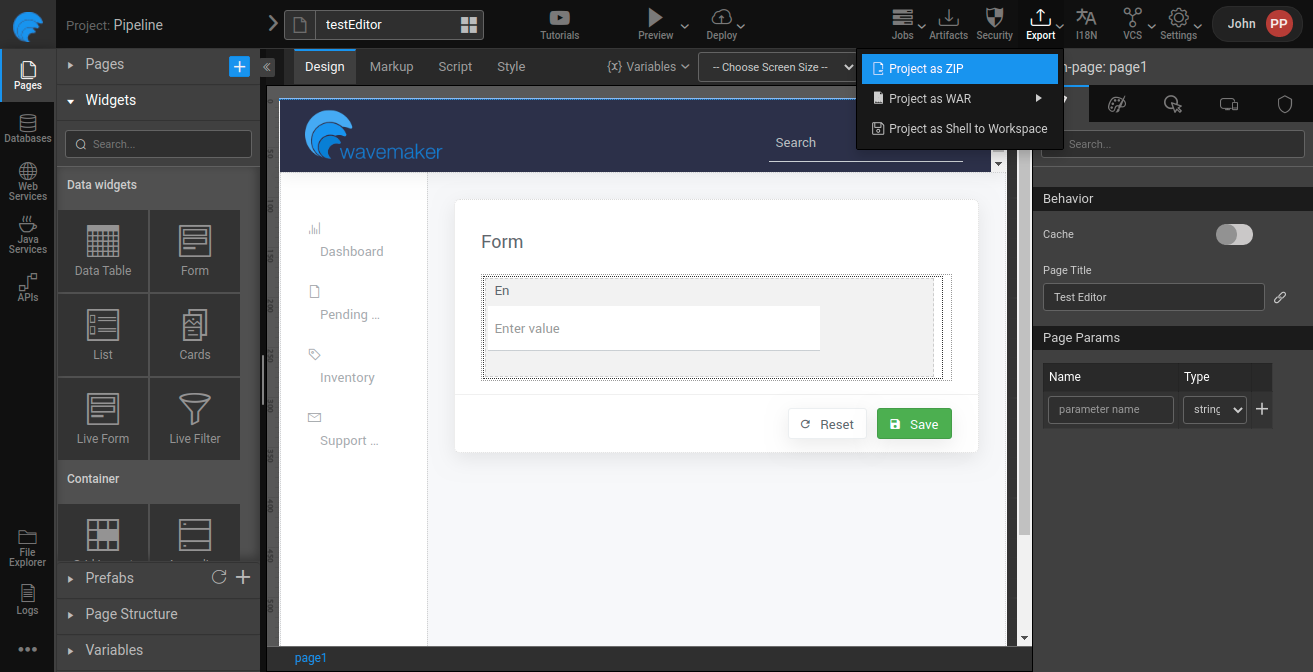
To export the project in zip, click Export and select Project as ZIP; the project files will download.
 .
.
Export project as WAR file
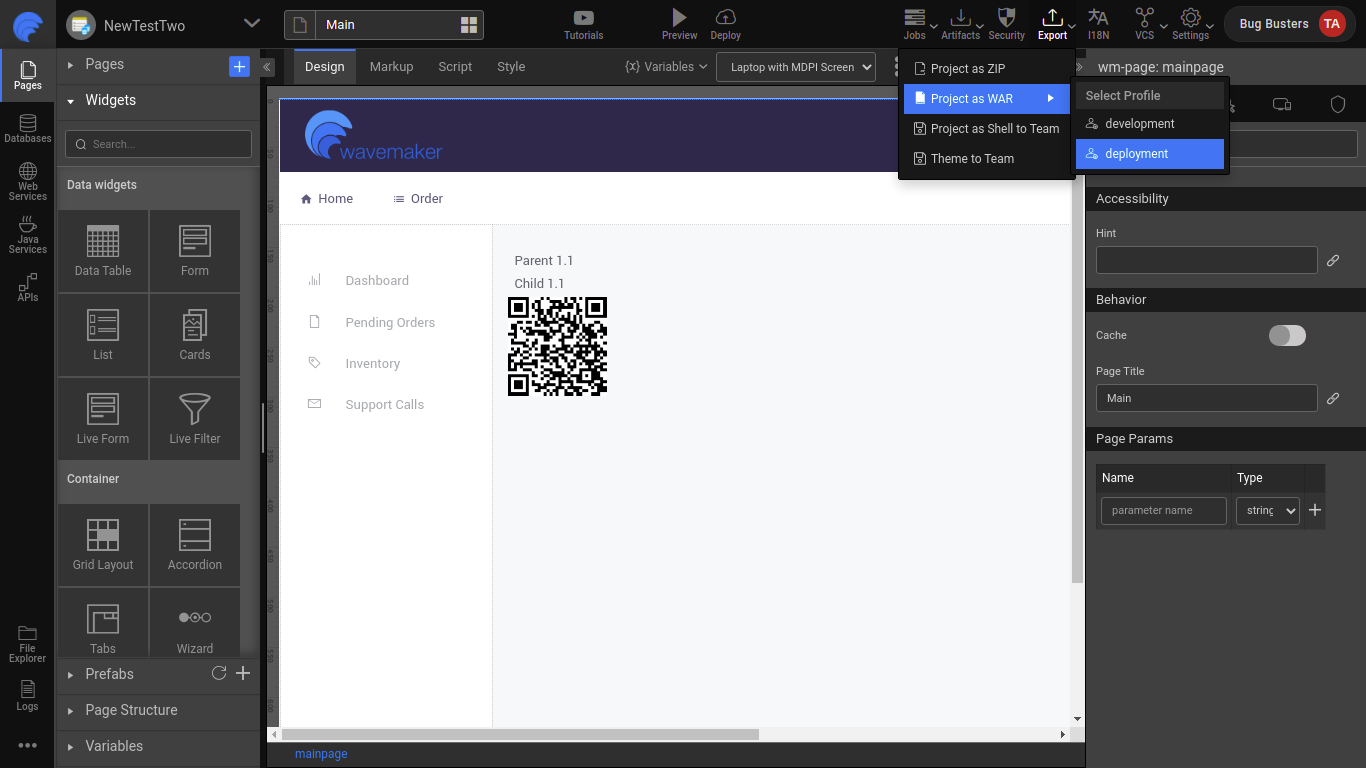
To export the project in war, click Export and select Project as WAR. Next, select the configured profile. For example, WaveMaker displays default profiles; select development profile, or deployment profile. If you create a custom profile, select the custom profile name which displays under the Select Profile option. On clicking the profile, the project files will download.
 .
.