Live Form - Configurations
Live Form Properties
You can set the following properties of the Live Form.
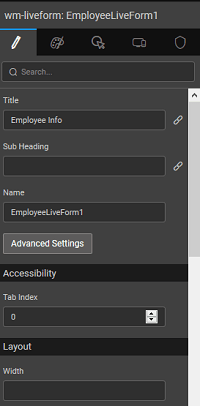
Title
Set the title of the Live Form.
Sub Heading
Set the sub heading of the Live Form.
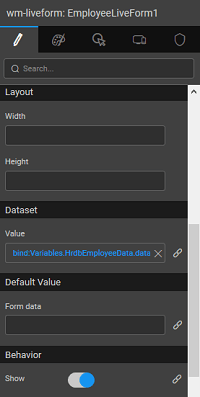
Default Value: Form data
Set the value or bind to another widget like Data Table, List or Live Filter. These define the values that display when the Live Form loads.
Dataset: Value
Defines the database entity on which the insert or update operations will be performed. This is set to the Variable selected in the data selection step while configuring the Live Form.
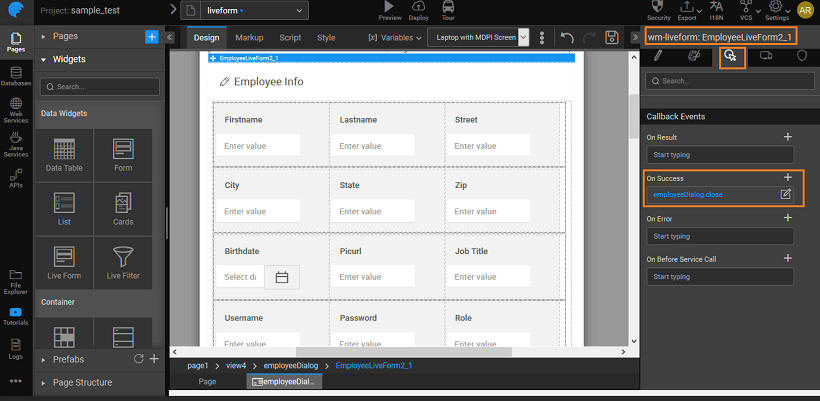
On Success
For a Live Form in Dialog mode, the On Success event is set to trigger dialog.close event. This means, by default, after saving the Form data, the Form dialog will close automatically. You can choose to disable this behavior by removing the On Success event.
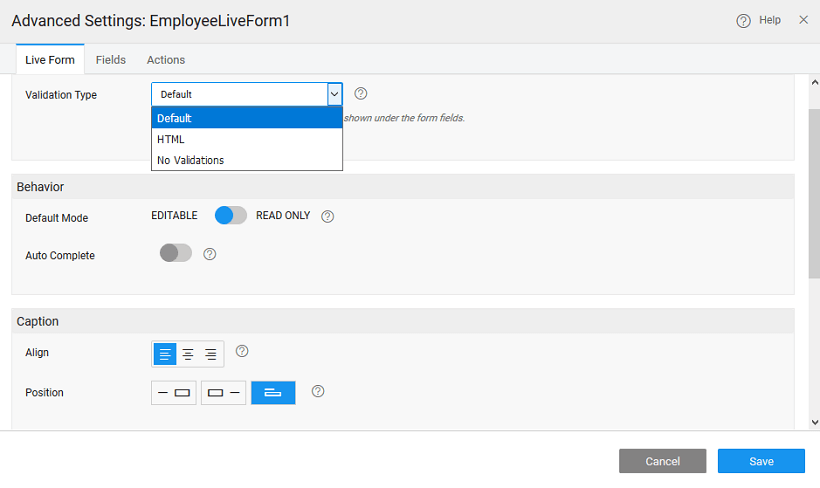
The other features of a Live Form include:
Validation Type
| Validation Type | Description |
|---|---|
Default | Here all the failed validation messages will be shown under the corresponding field. |
HTML | The HTML validations will be applied and displayed for the first failed field, the validation messages set at the field level will be displayed once the field loses focus. |
No Validations | Validations will not be performed in this case. |
Behavior
Set the Behavior to:
EditableorRead-Only- Enable or disable
Auto Complete. EnablingAuto Completewill give suggestions in the form of a drop-down selection box to the user while entering the data at run time.
Caption
Apply caption customizations, including:
alignmentpositionsize
Message Properties
For Layout, properties include:
inlinetoaster
Message text for display, include:
errorsuccessaddupdatedeletion